AutoTree
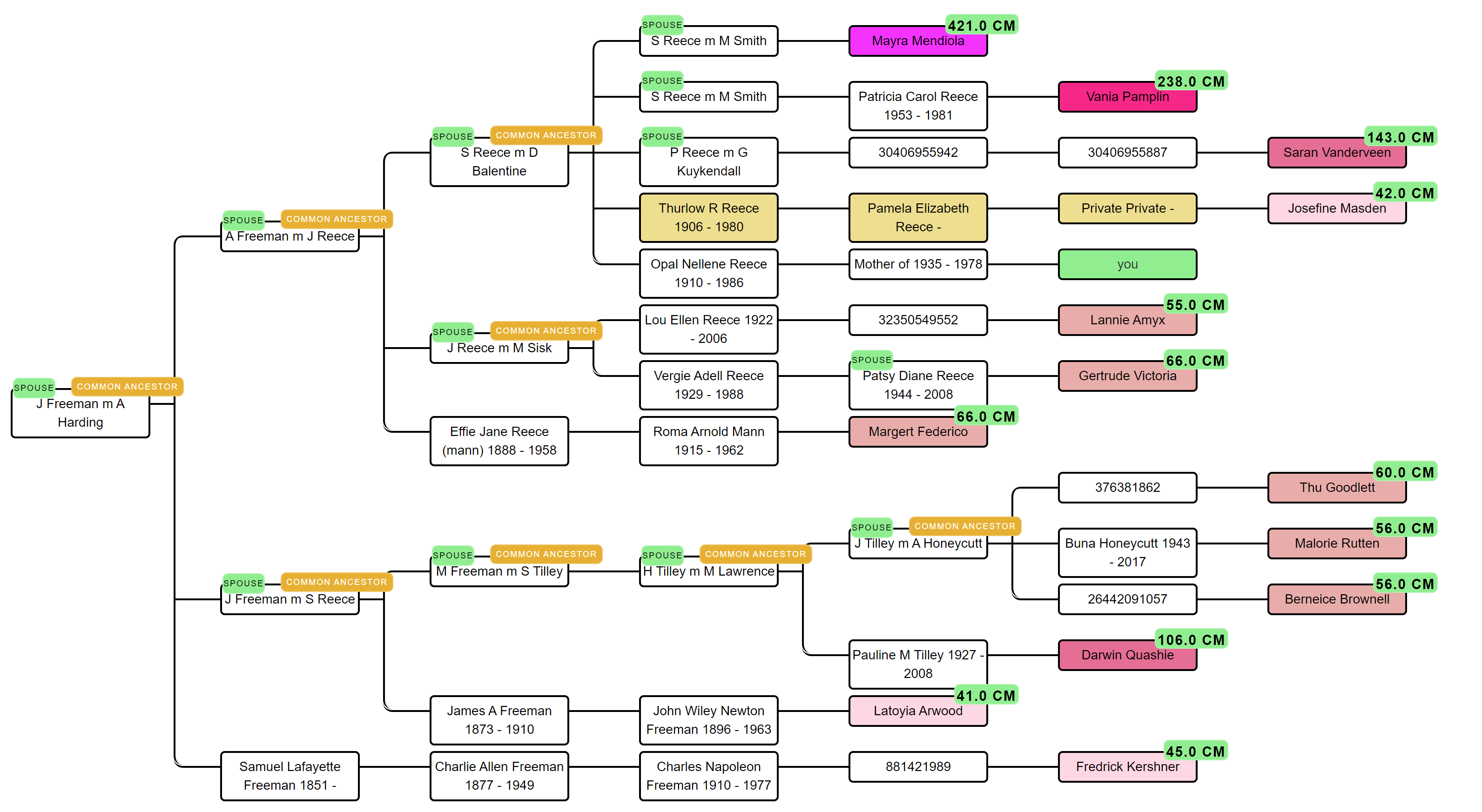
Identifies common ancestors (MRCAs) by analyzing family trees from DNA matches.It then reconstructs genealogical trees, helping users trace relationships and uncover potential family connections.
Key Features
How to get started*
*A fully automated AutoTree works exclusively with FamilyTreeDNA profiles.




The analysis wizard — your password is entered at run-time only, encrypted
locally, used to pull your match list, then discarded.
Availability across different companies
Compare the availability and features of the AutoTree tool across five major genetic testing companies.FTDNA
- Automated retrieval supported
- Alternatives: AutoLineage
23andme
- not supported
- Alternatives: AutoLineage
Ancestry
- not supported
- Alternatives: AutoLineage
MyHeritage
- not supported
- Alternatives: AutoLineage
GEDmatch
- Automated retrieval not supported via Genetic Affairs
- Available via GEDmatch
- Alternatives: AutoLineage
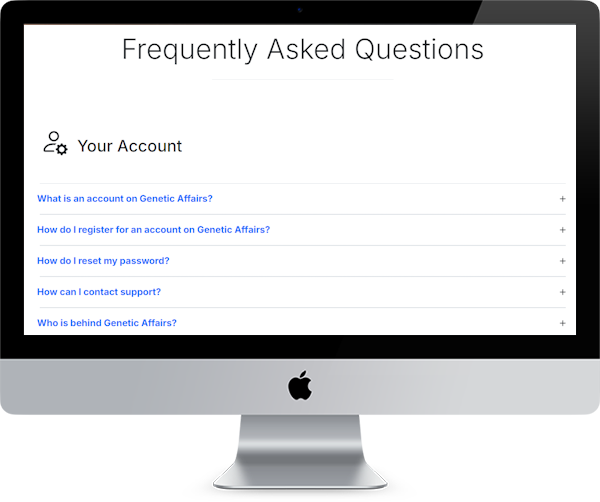
Check out our AutoTree FAQ
Our AutoTree FAQ section covers everything you need to know about AutoTree. For more in-depth background, see the Genetic Affairs documentation.